Repeat any cup.
Dial in any bag.
Tazzina keeps track of everything that makes your coffee good, so you can repeat the cups you loved and know when to adjust.
Download for iOS and iPadOS
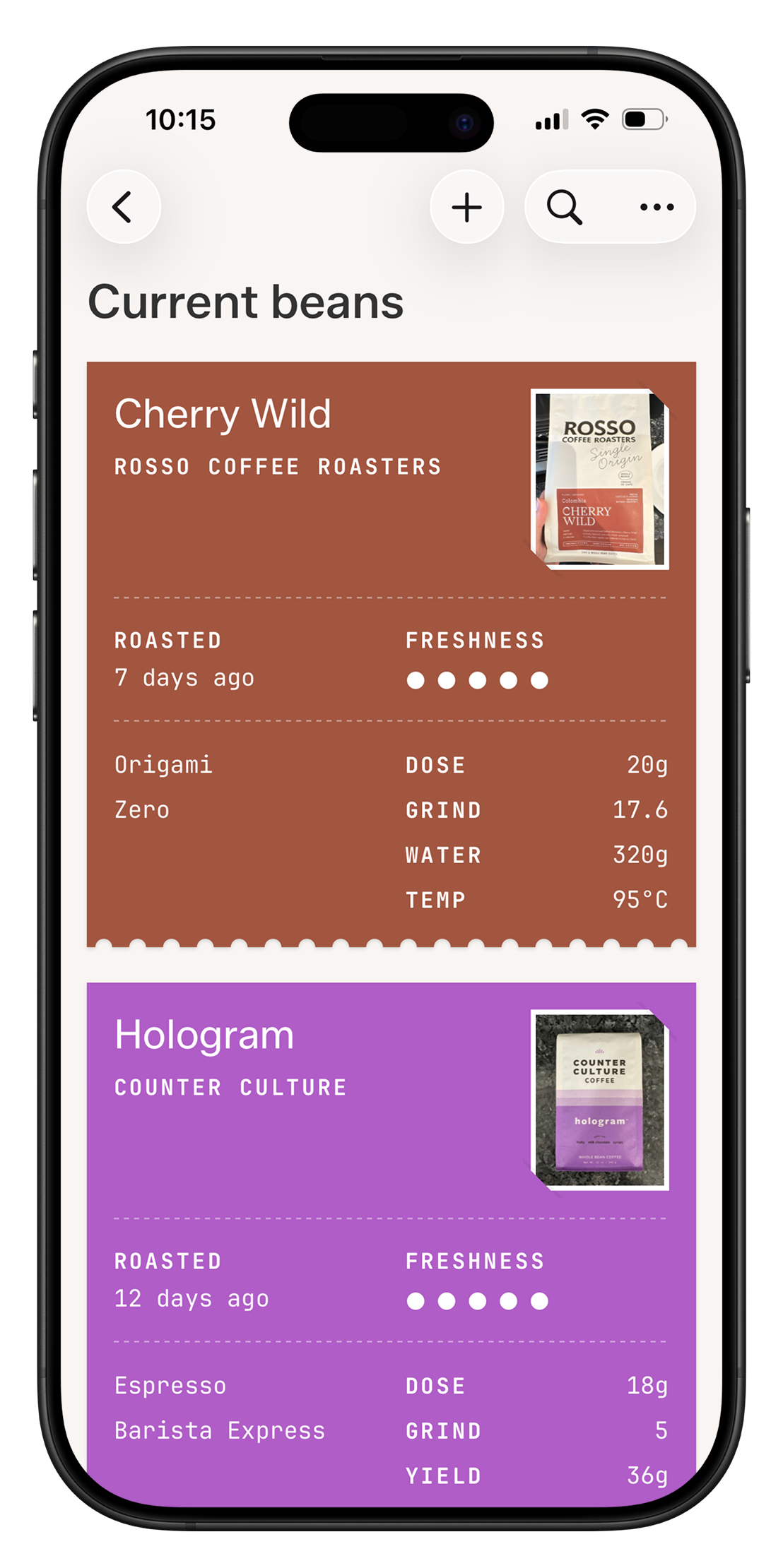
Wait, how did I brew this last time?
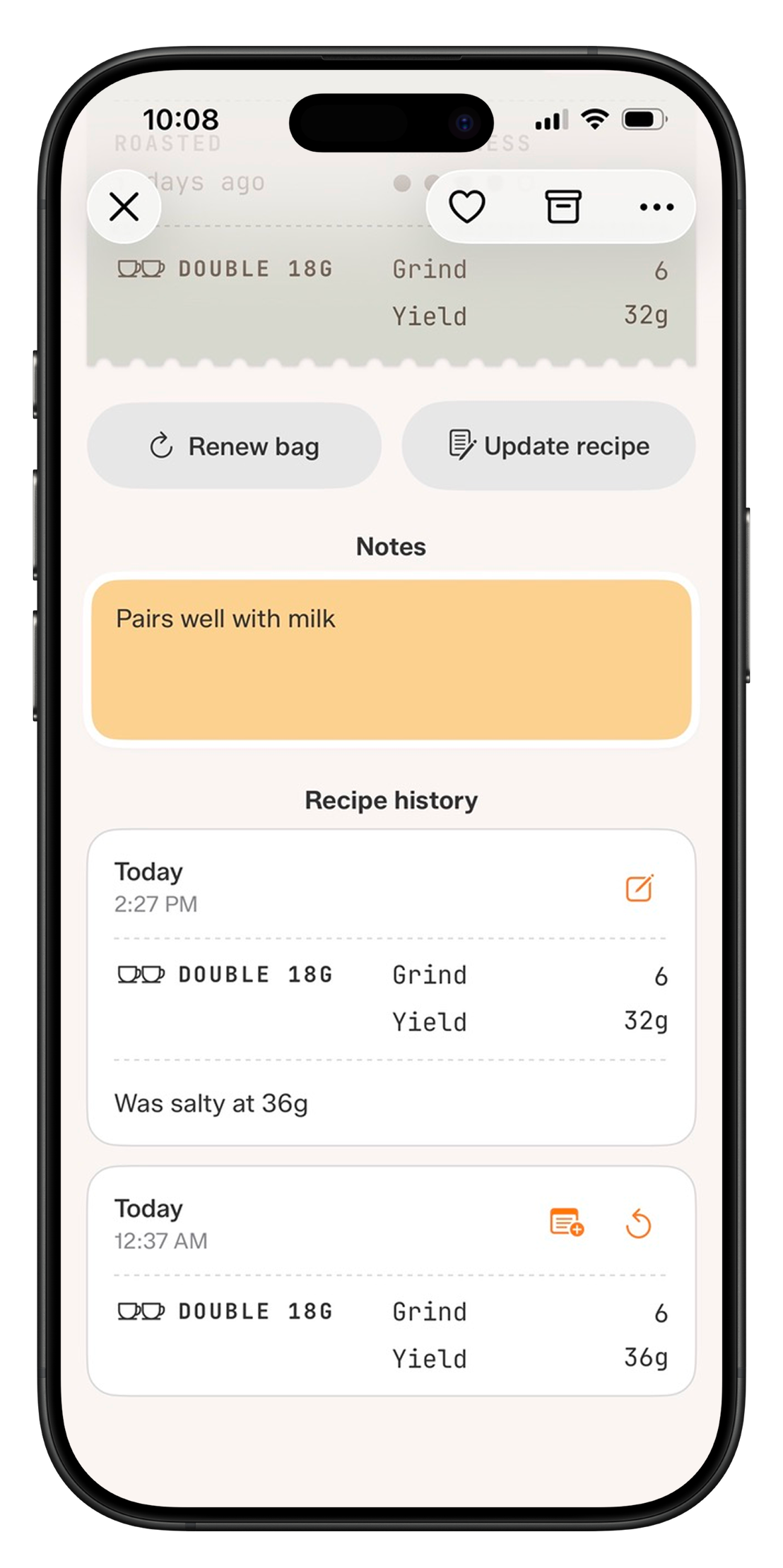
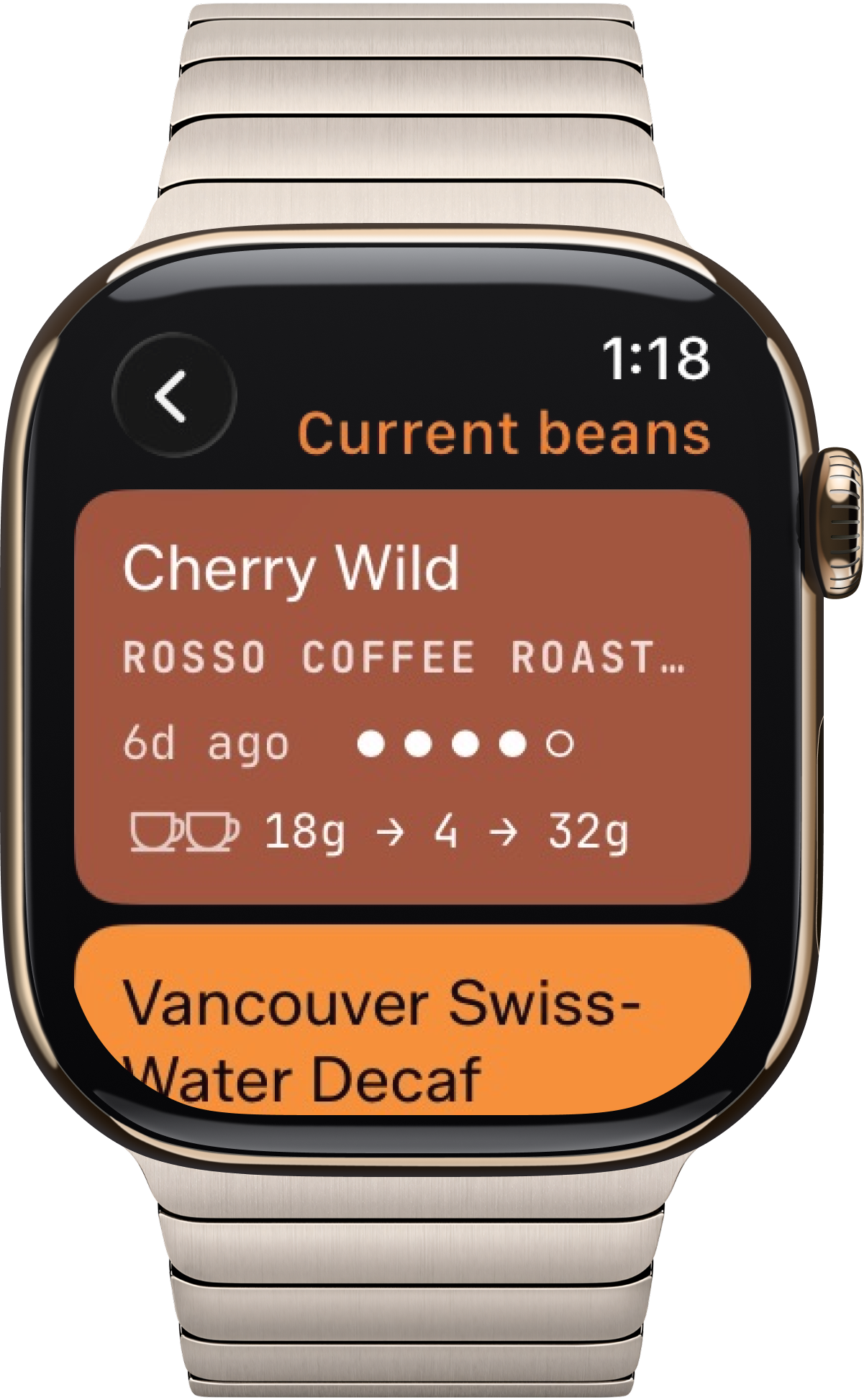
Your current beans stay in front of you, each with the brew you dialed in. Open any bean for its full history, add notes, or revert to a brew that worked.
Tazzina is more than just a coffee notebook
From the beans on your shelf to the grinder to the final cup, here is what Tazzina does at each step.
Every way you brew, in one place
Espresso Machine, V60, Hario Switch, Orea, Origami, Kalita Wave, AeroPress, and more. Choose from 20 of the most popular brewers across espresso, pour-over, immersion, and stovetop.
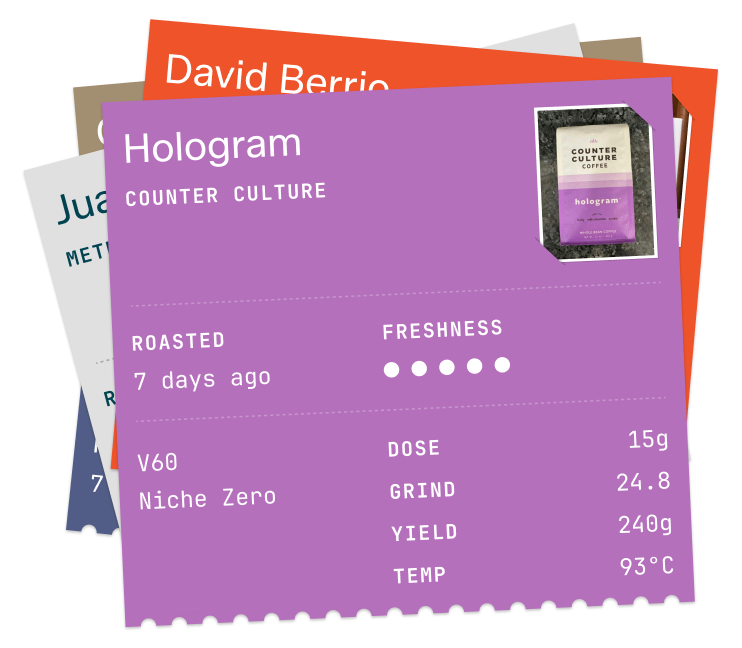
Brew one bag every way you like
Pull it as espresso today, brew it on a V60 tomorrow, dial it on a different grinder. Tazzina saves each one separately, so every brewer and grinder keeps its own brew.
It tells you what to change next
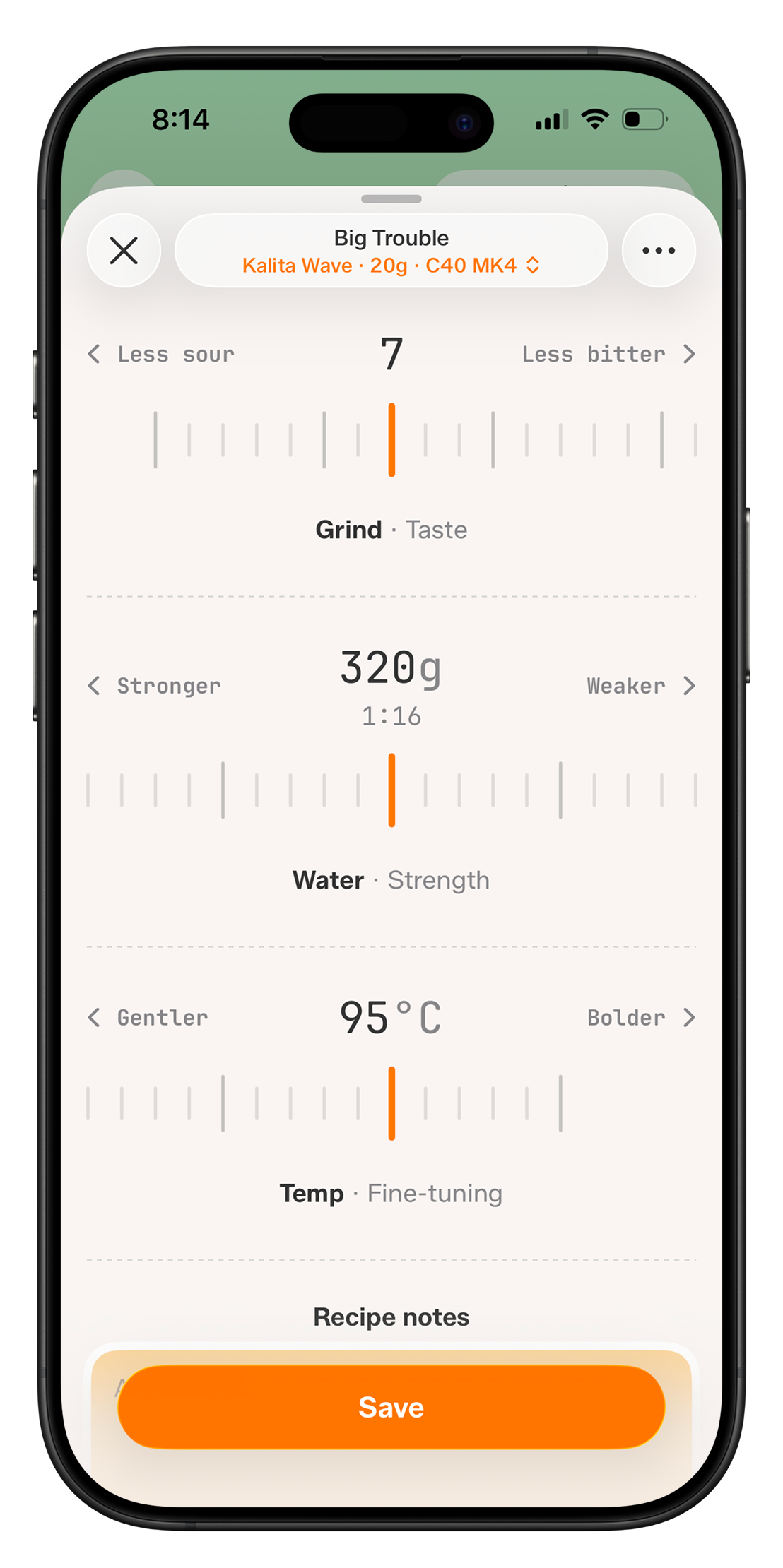
Brew, then tell Tazzina how it tasted. It walks you through what to adjust next, one variable at a time, and if you know what you're doing, you can dial in on your own.
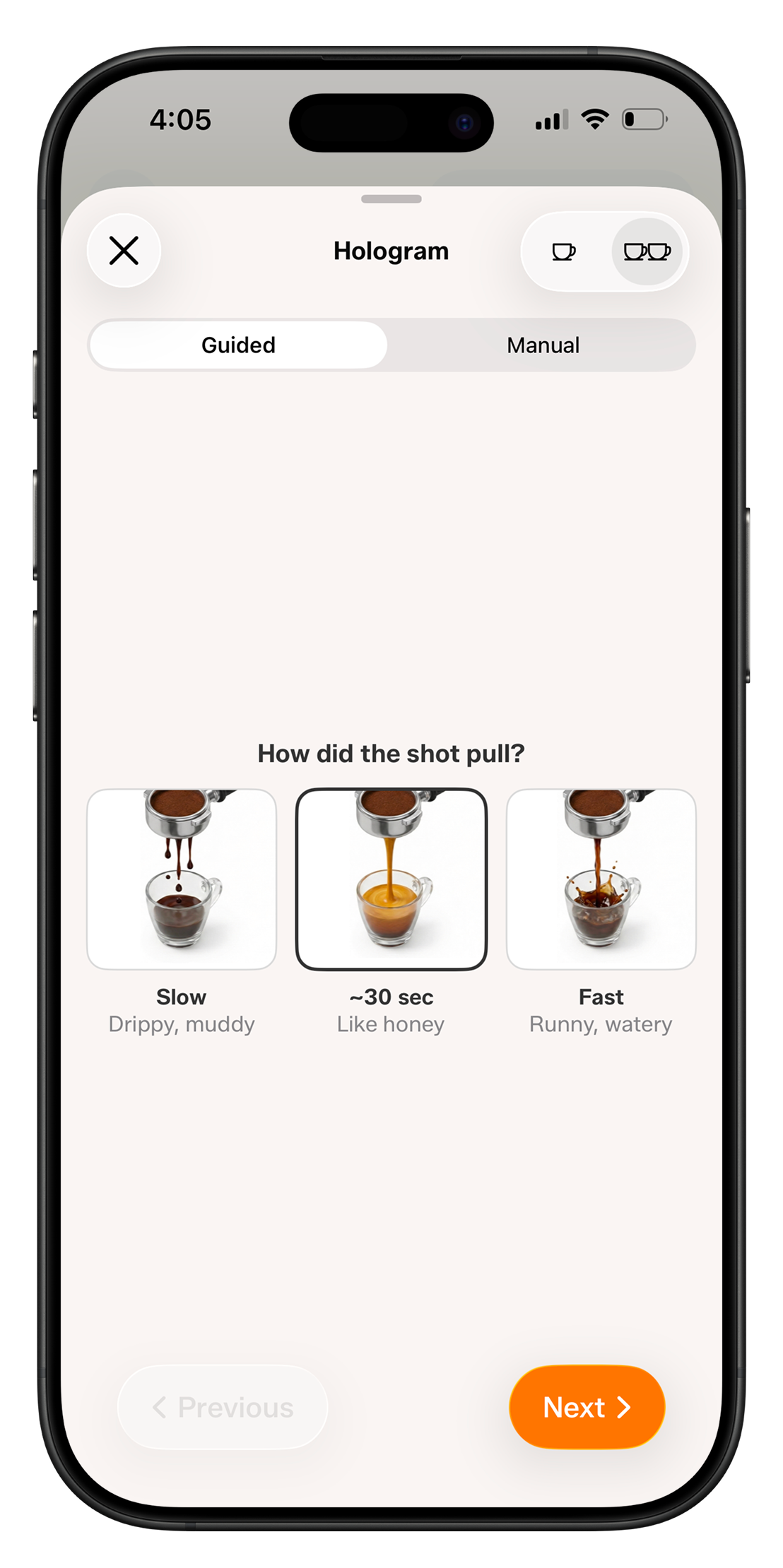
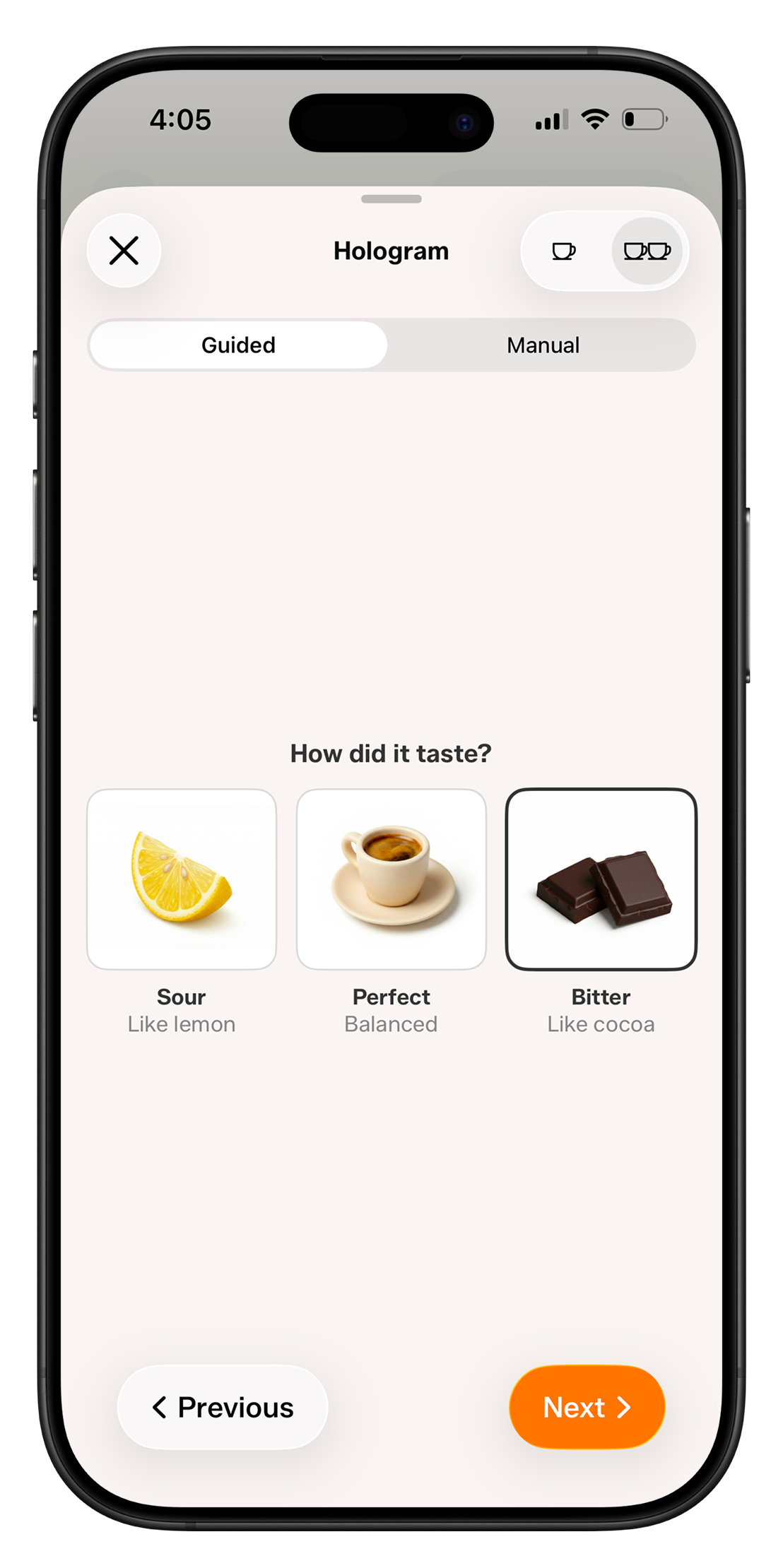
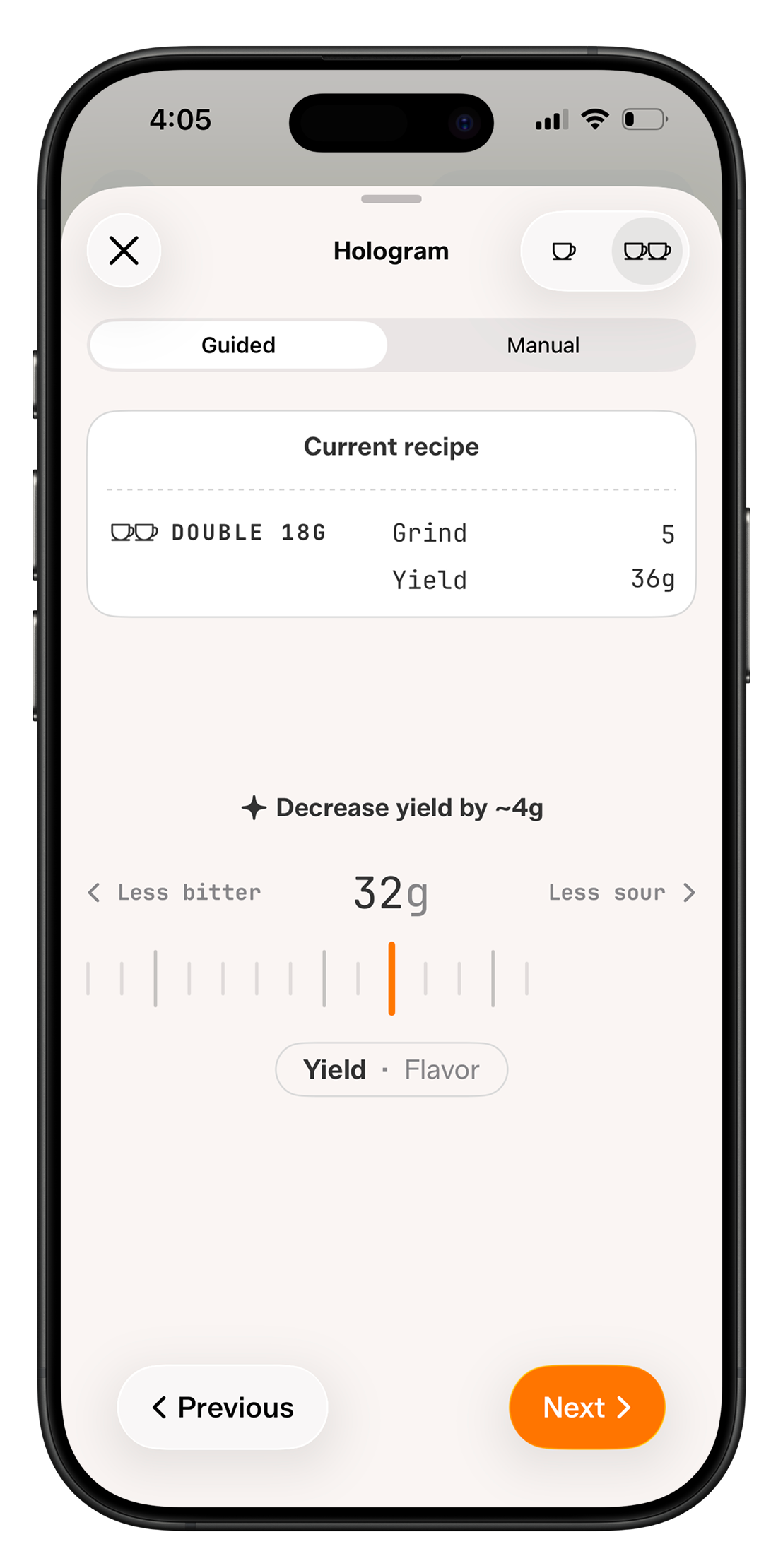
Scan the bag, skip the typing
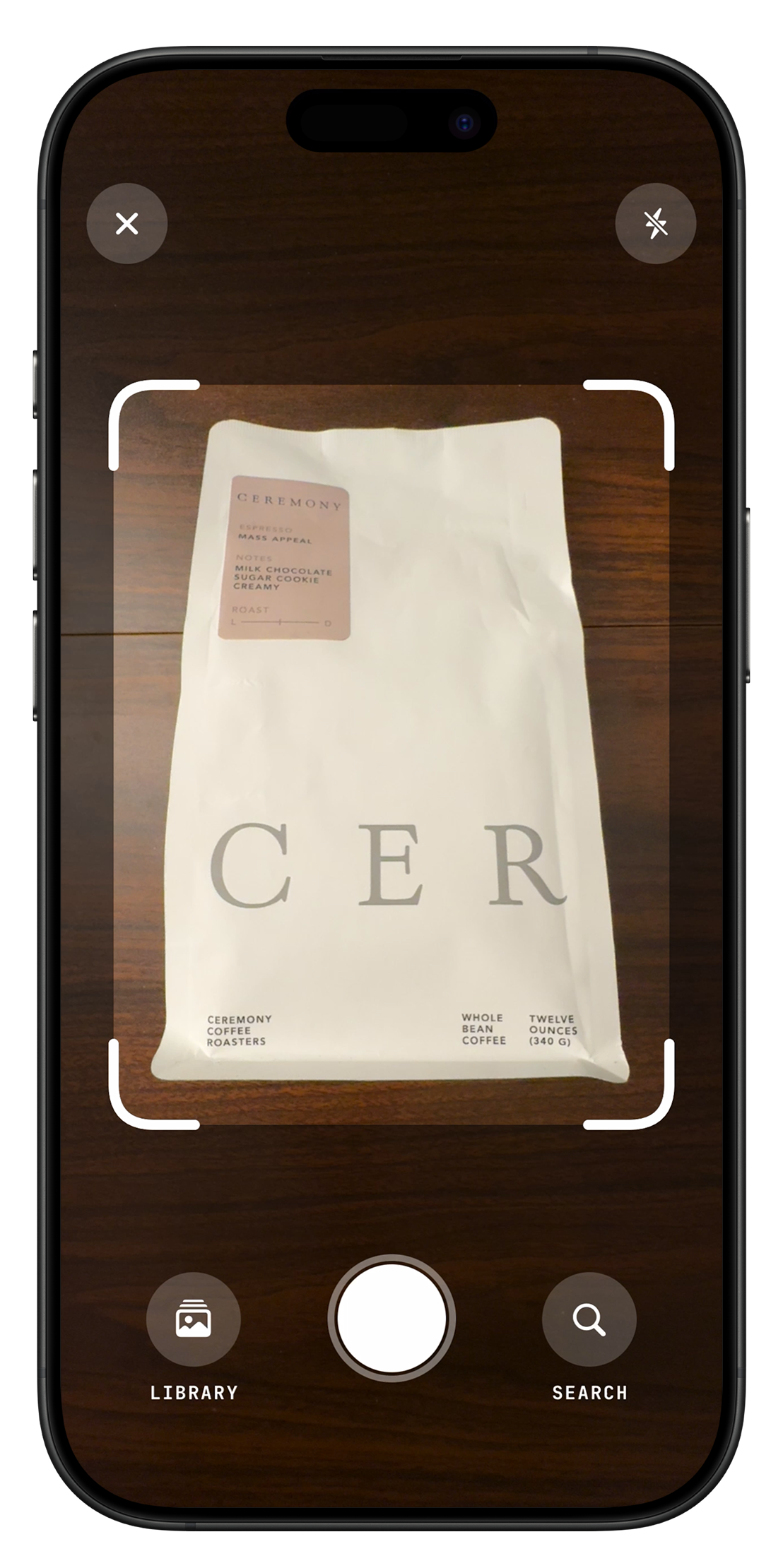
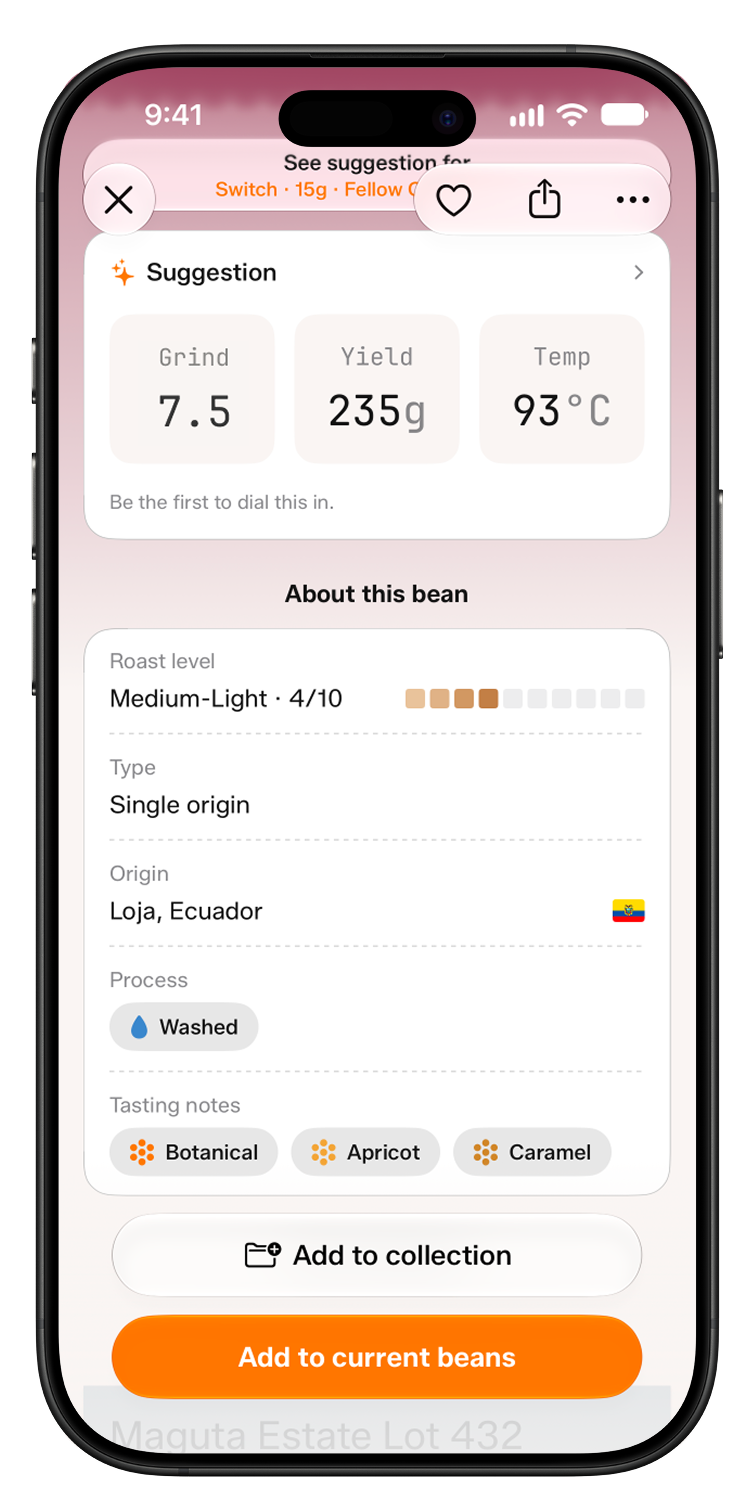
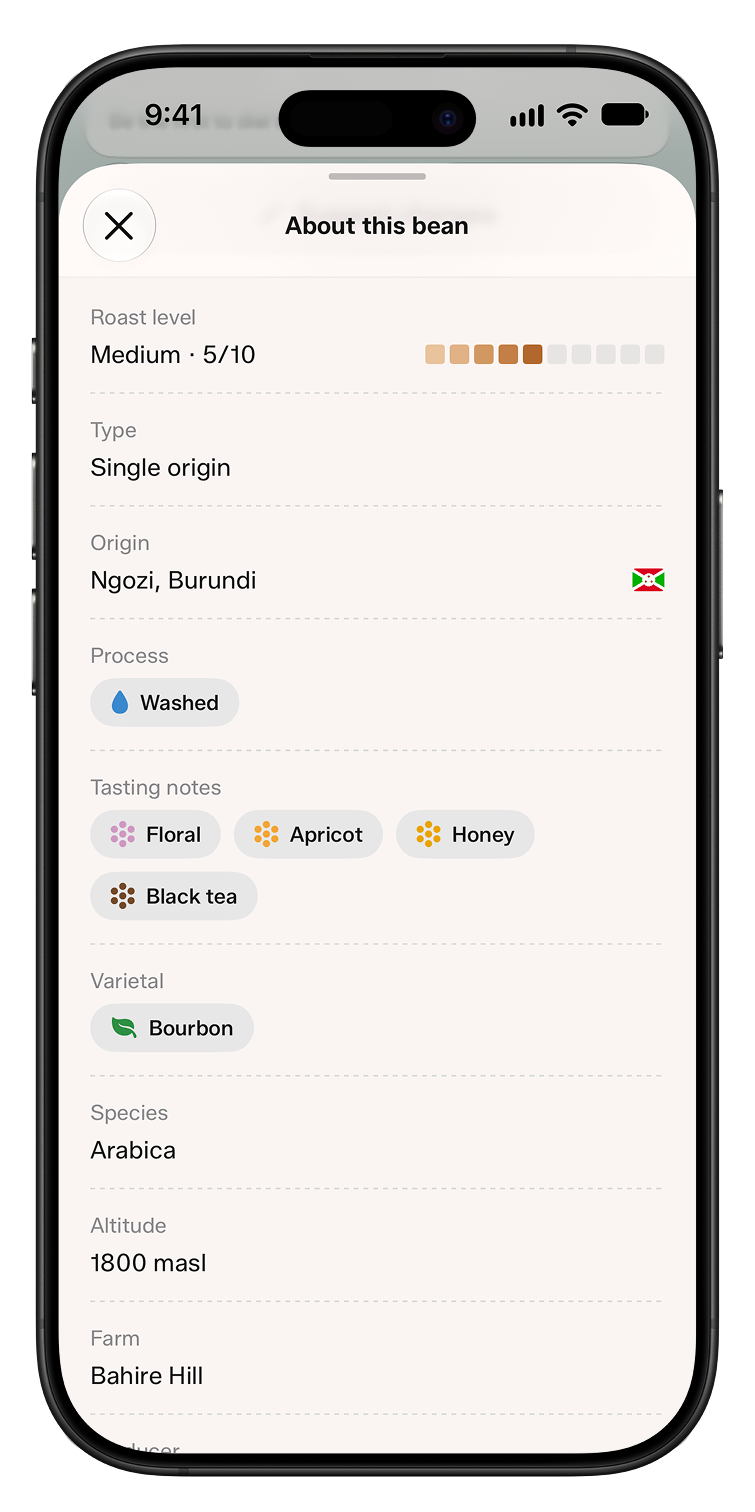
5,000+ beans from 360+ roasters across North America, Europe, and Australia. Point your camera at a coffee bag and Tazzina takes you straight to that bean. Then see where it grew, how it was processed and roasted, and how it tastes, down to the varietal, altitude, and farm.
A starting point for a new bag
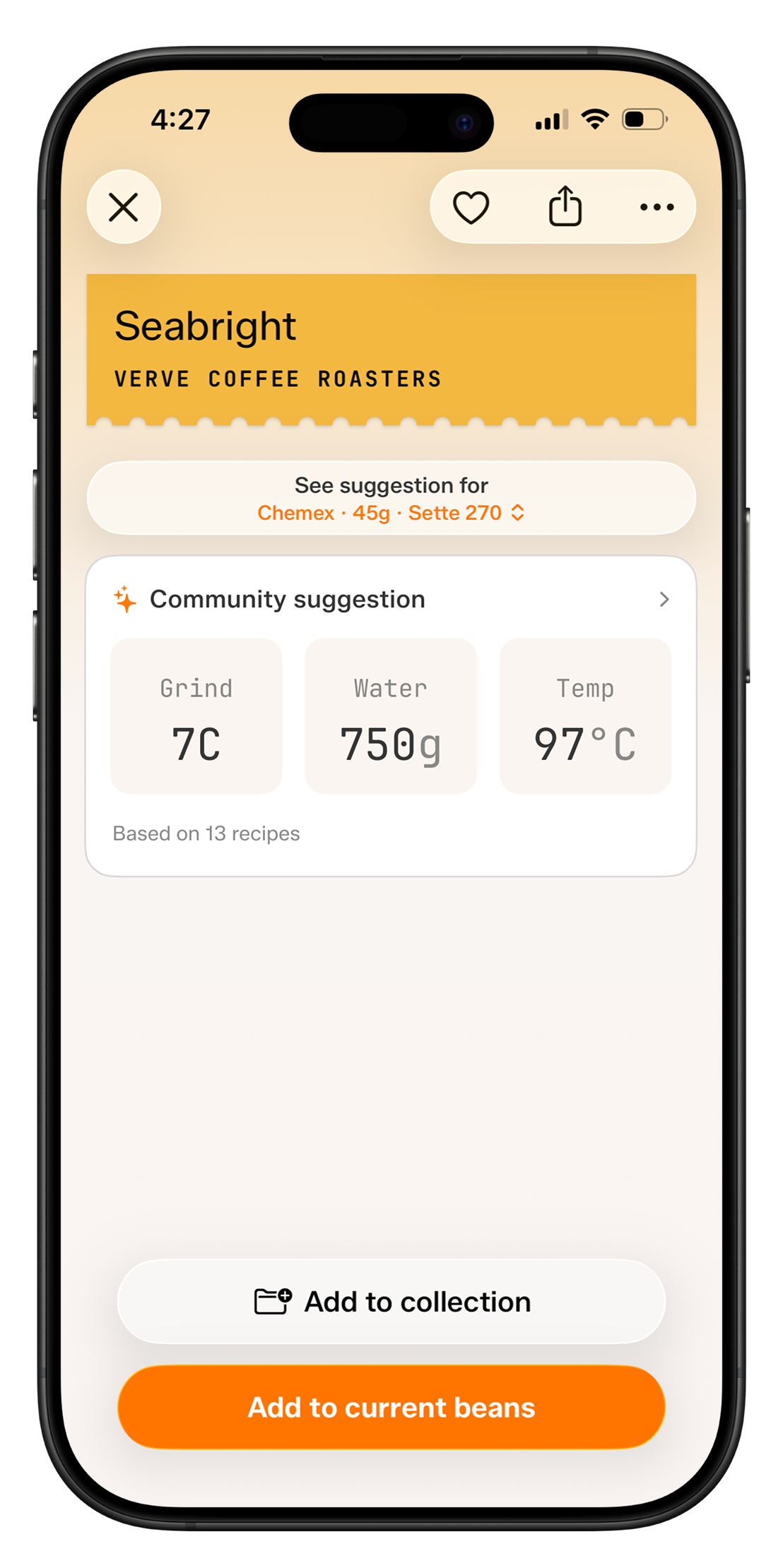
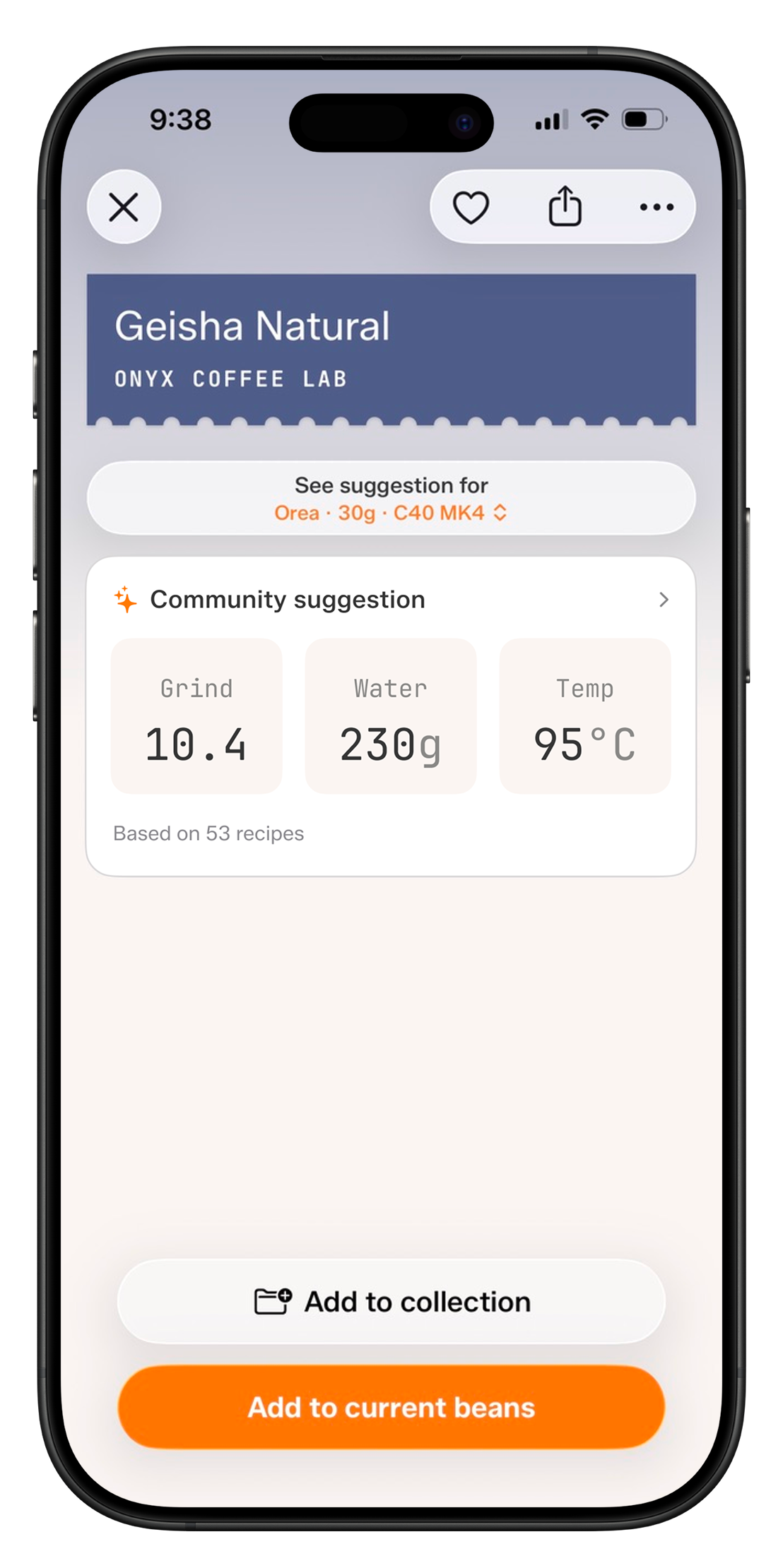
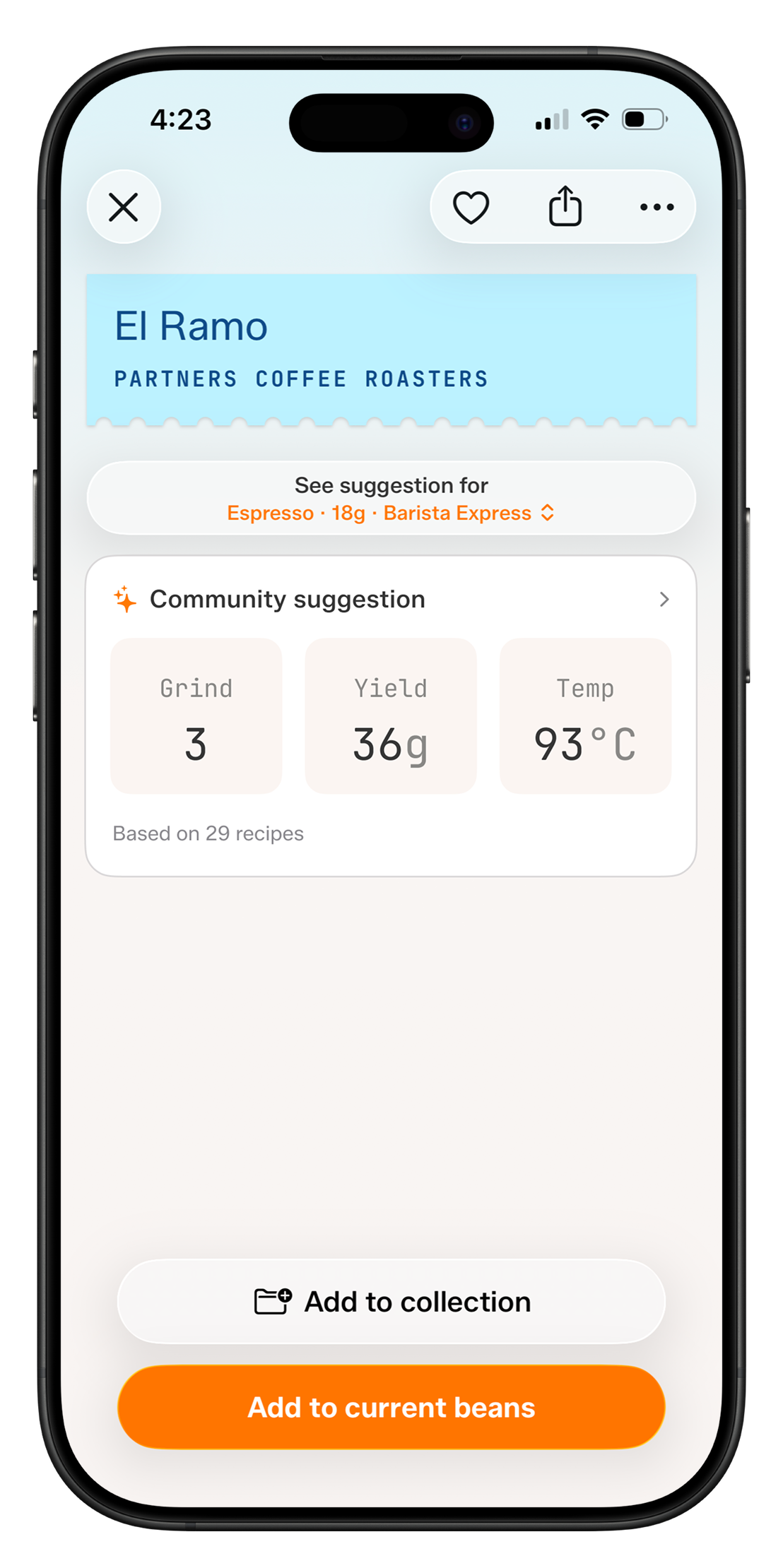
Every bean gets a starting ratio and temperature based on its roast level. As people dial it in, their brews refine the suggestion, with the grind size translated to your grinder.
Your whole coffee collection
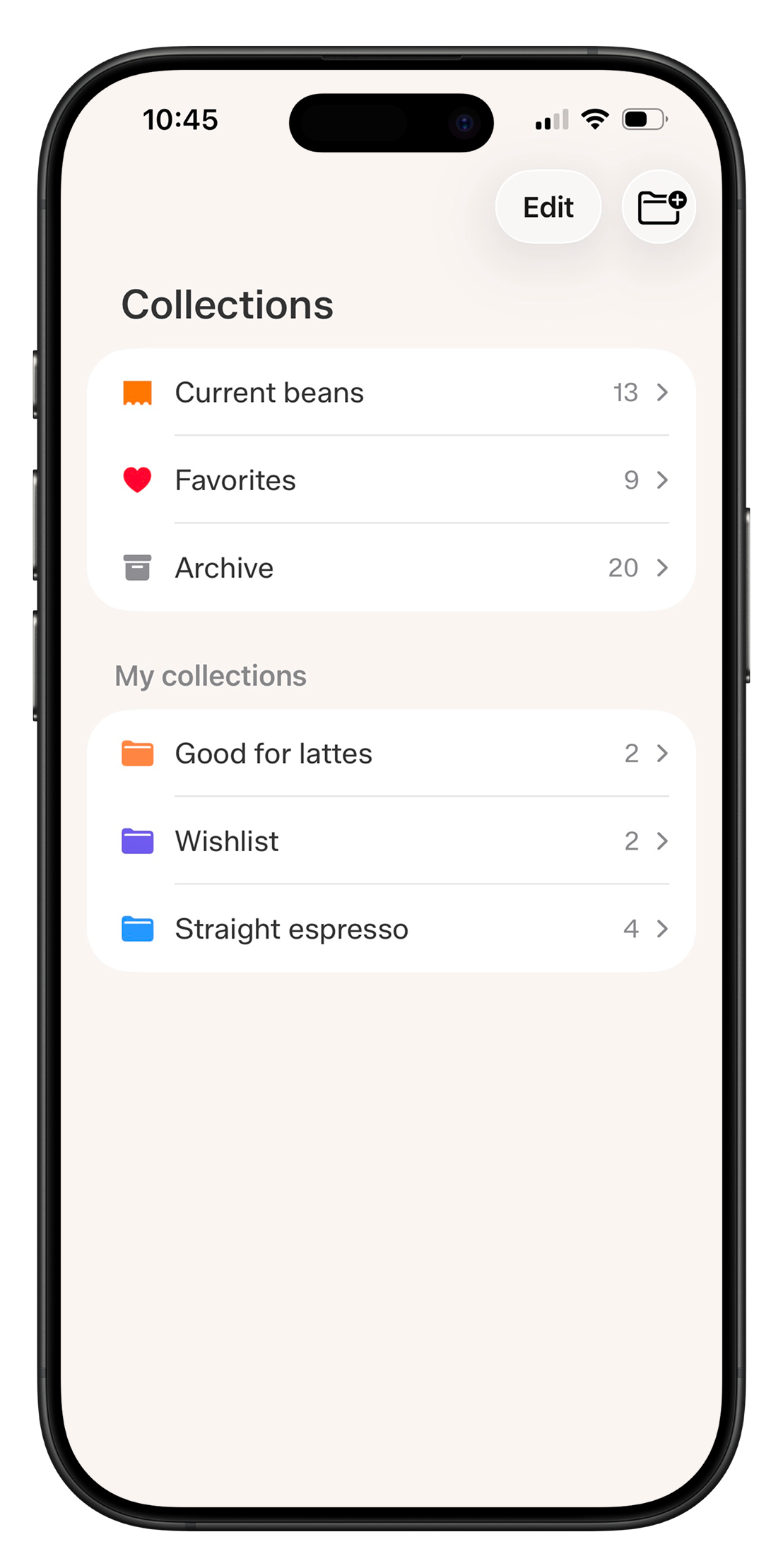
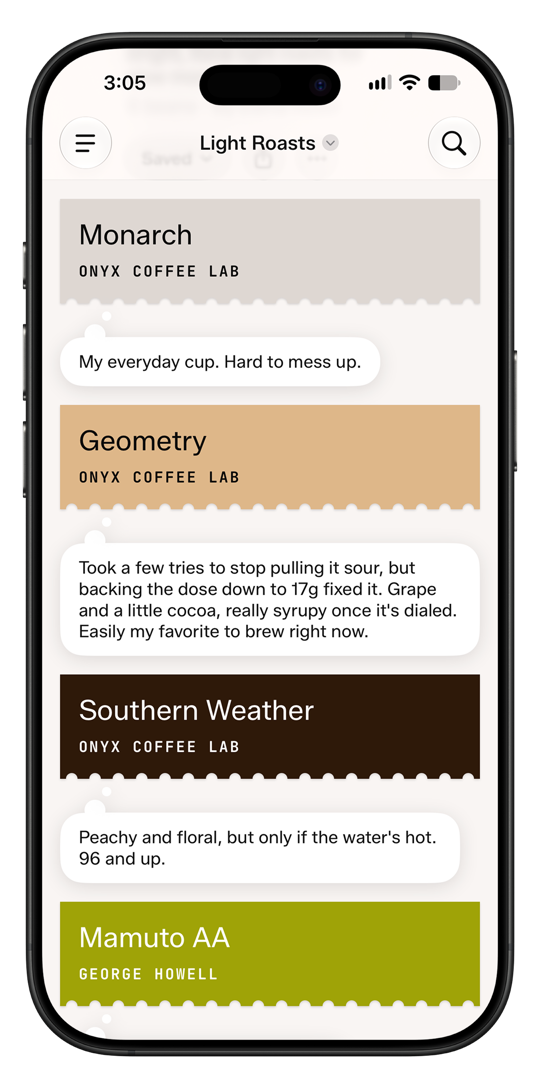
Favorite the beans you love, archive the ones you are not brewing right now, and group the rest into your own collections by taste, mood, or brew. Collections shared with you live here too.
Glance without opening the app
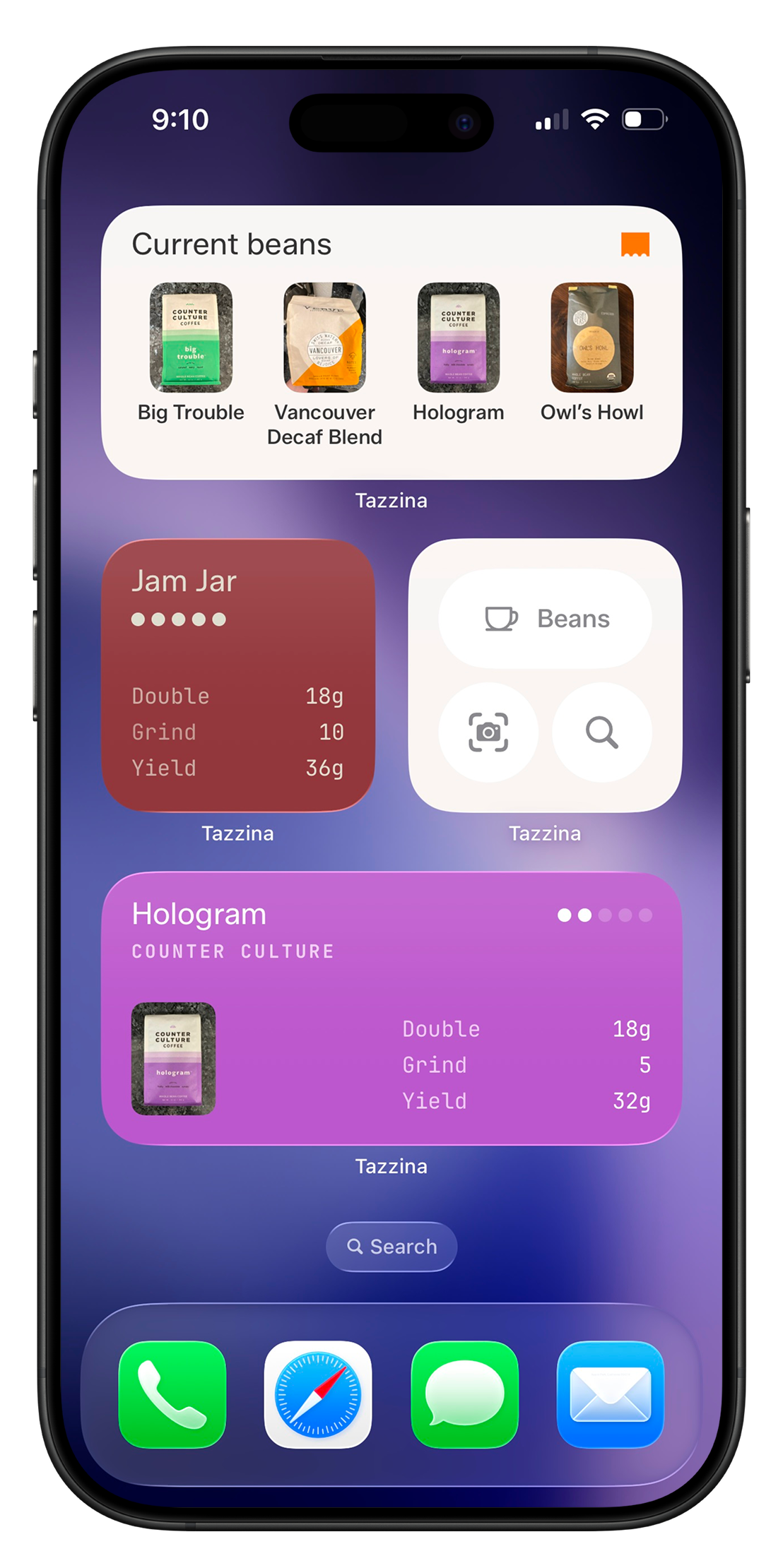
Home screen widgets show your current bean, brew, and freshness. Right where you need them at the grinder.
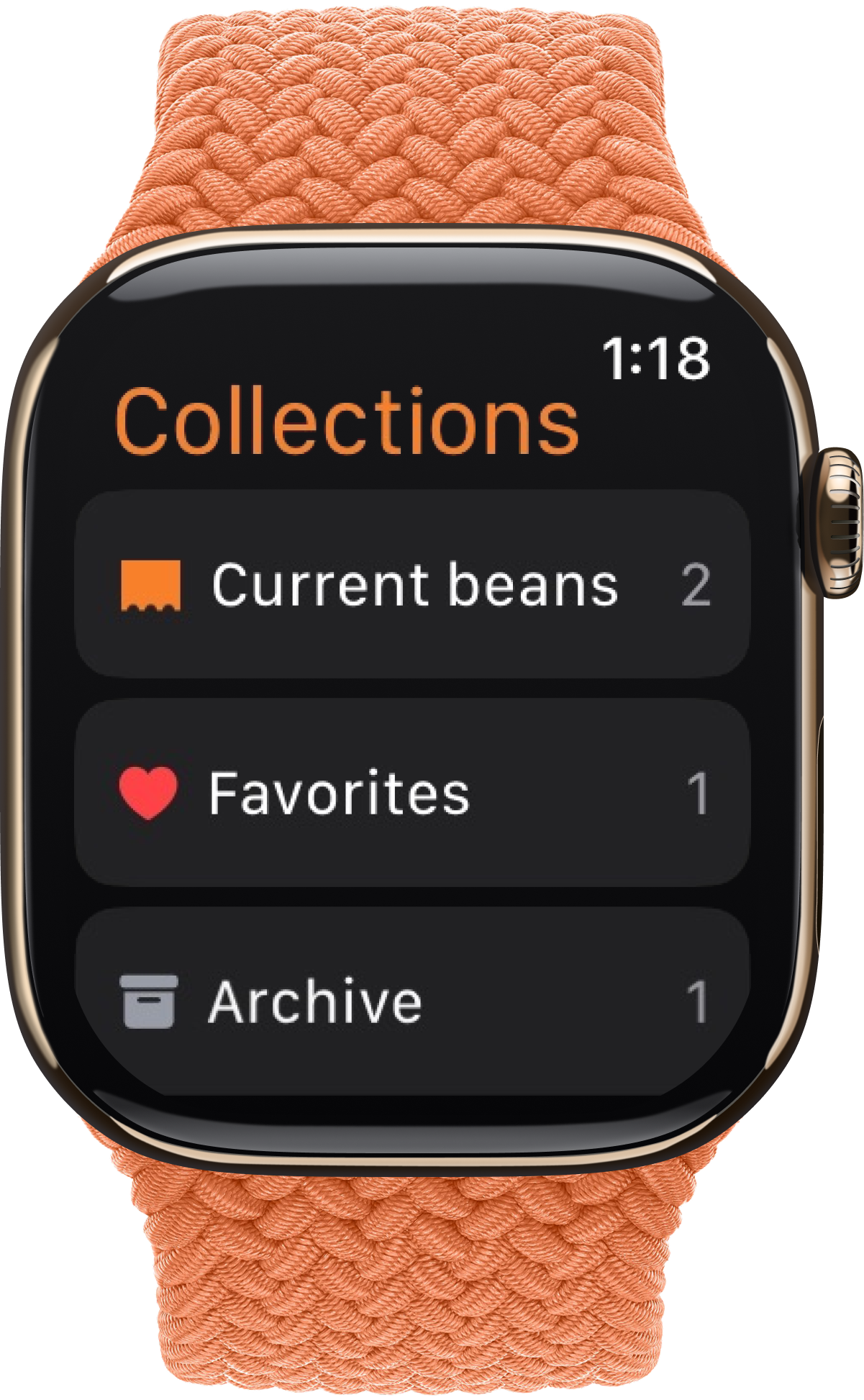
Also on your wrist
Left your phone in the bedroom? Check your beans and brews right from your wrist.
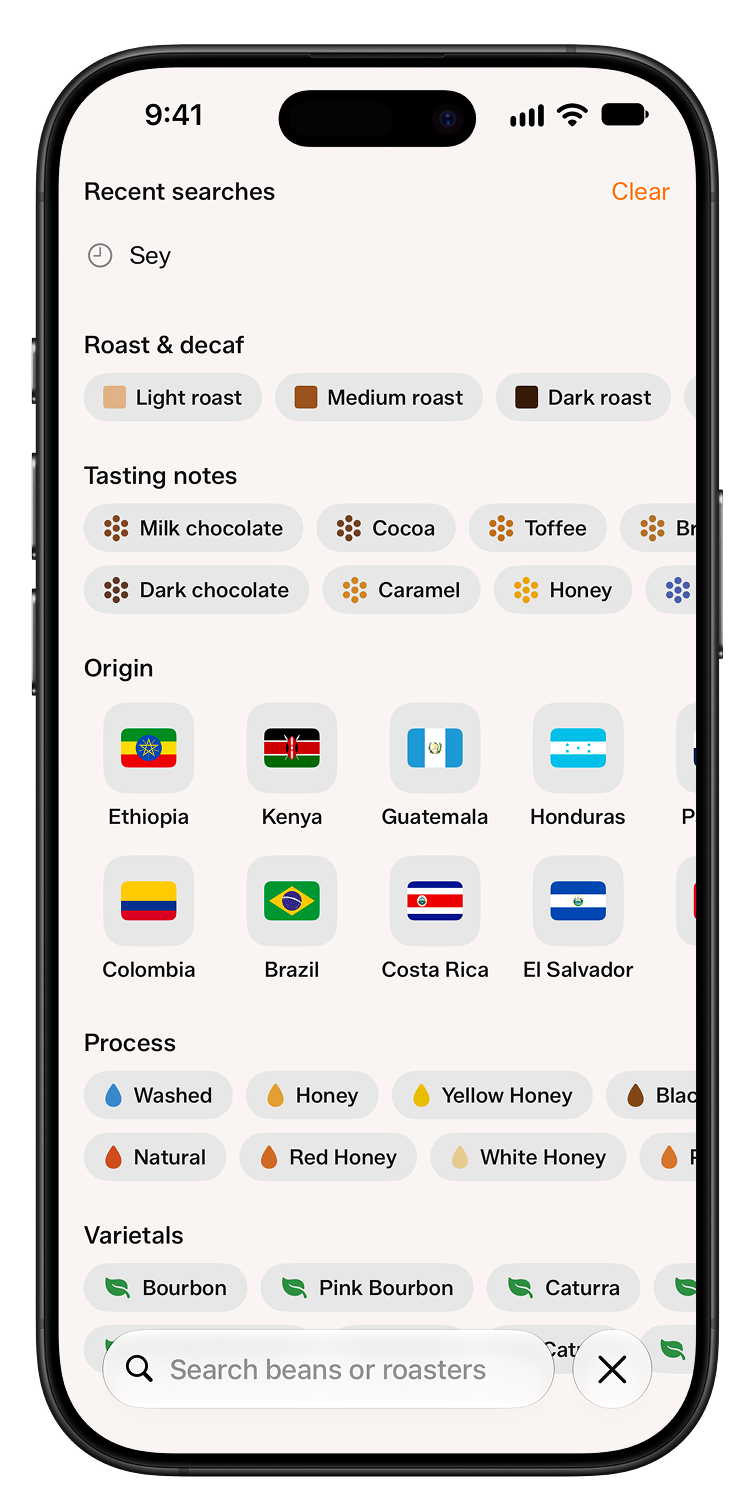
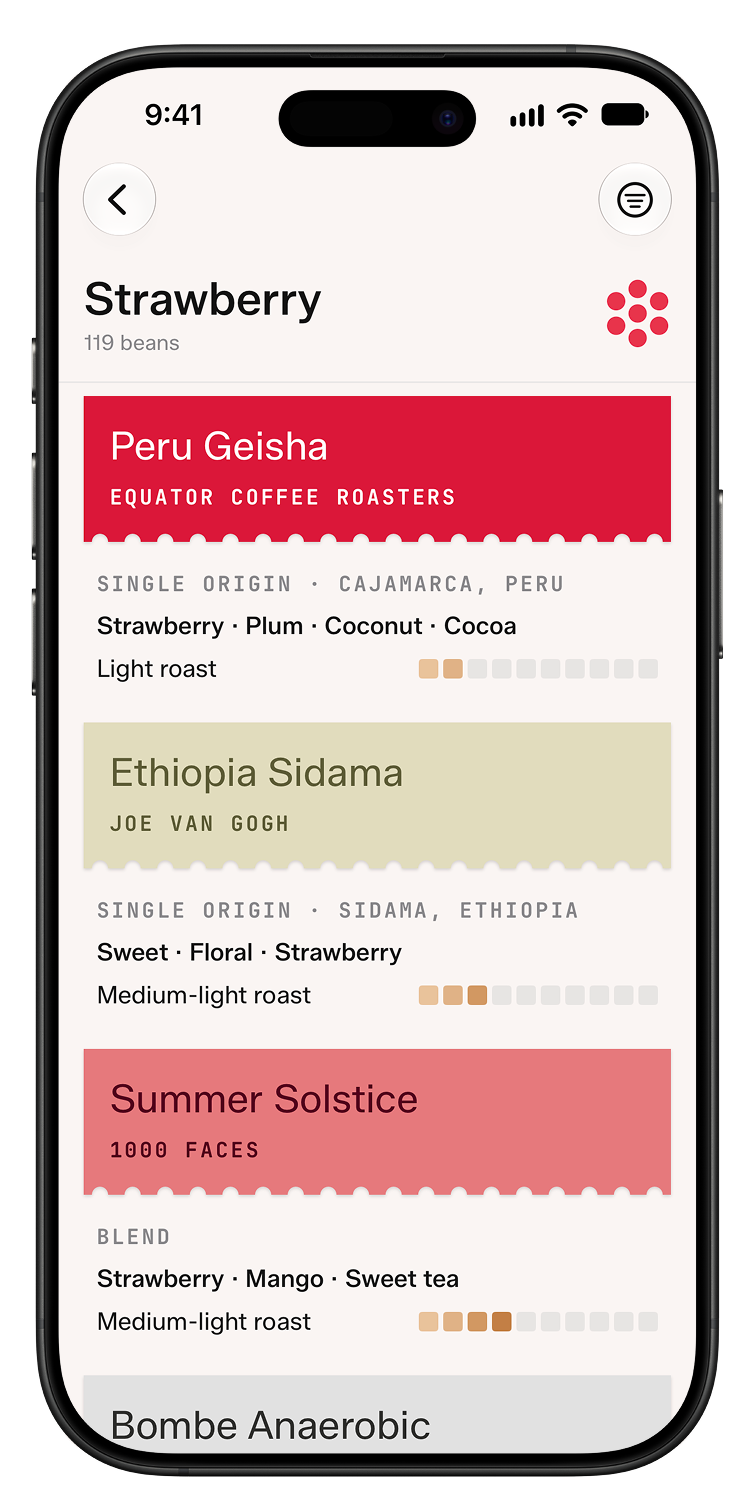
Find your next bag
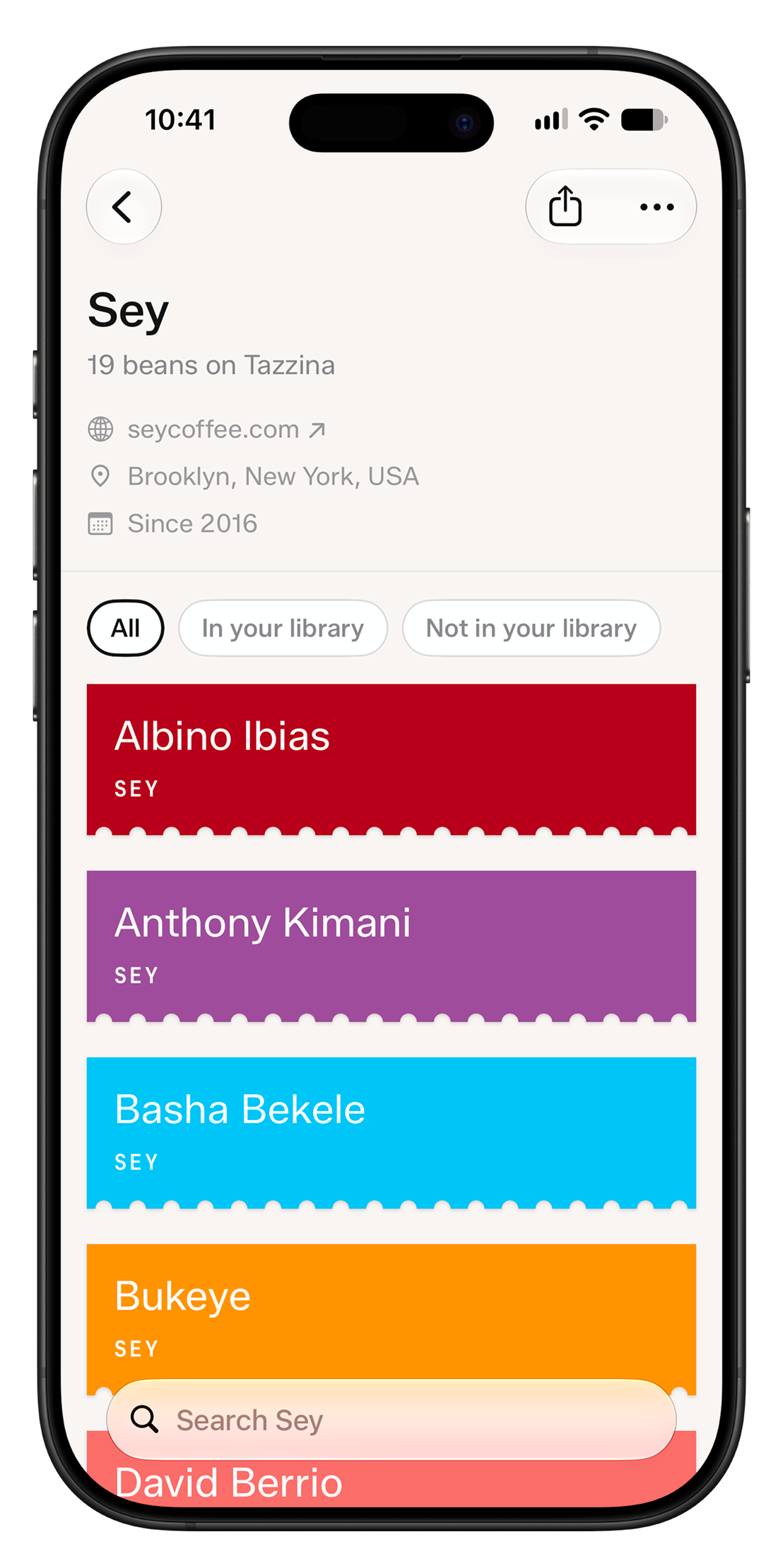
Browse beans by origin, process, roast, or tasting note, and filter them by the country they were roasted in. Open any roaster to see their whole lineup in Tazzina.
Is it me, or are these beans just old?
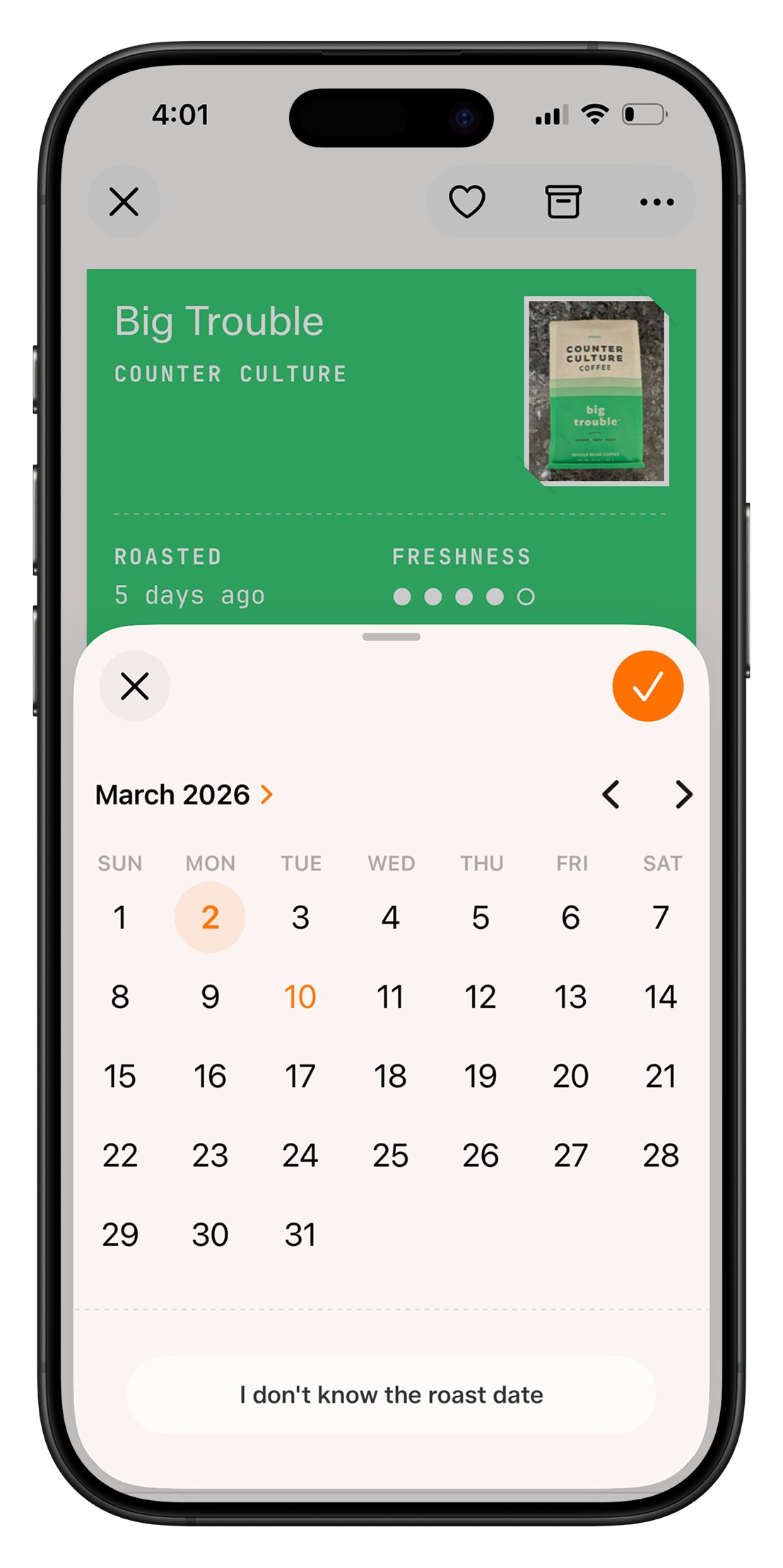
A freshness curve, shaped by each bean's roast level, tells you if your beans are resting, peaking, or past their best, so you brew each bag at the right time. As a bag ages, Tazzina reminds you to grind finer.
Scale any brew up or down
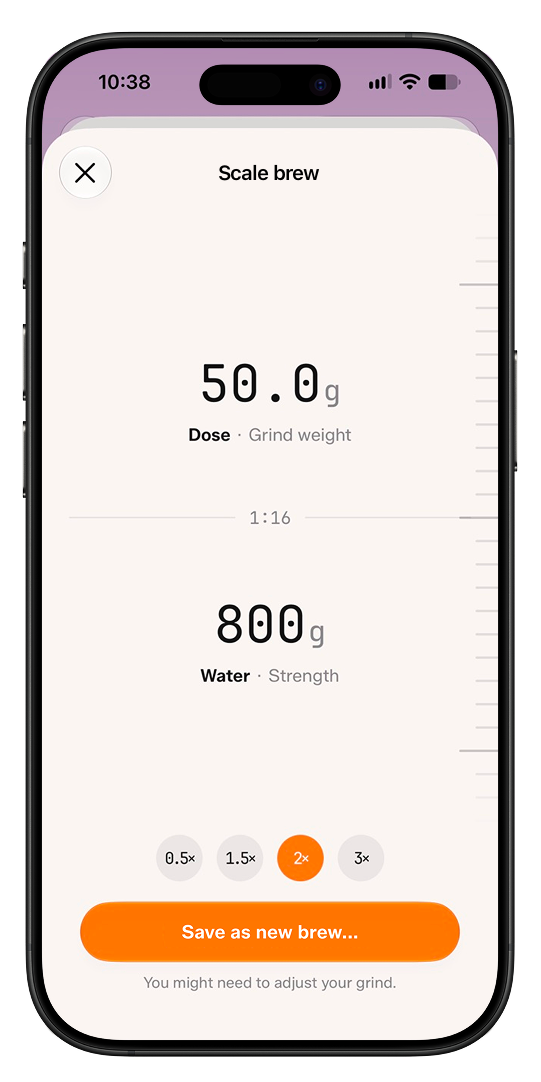
Brew a bigger batch or a single cup. Slide any number, or tap a multiplier, and the rest follow at the same ratio.
Share your coffee, by link or image
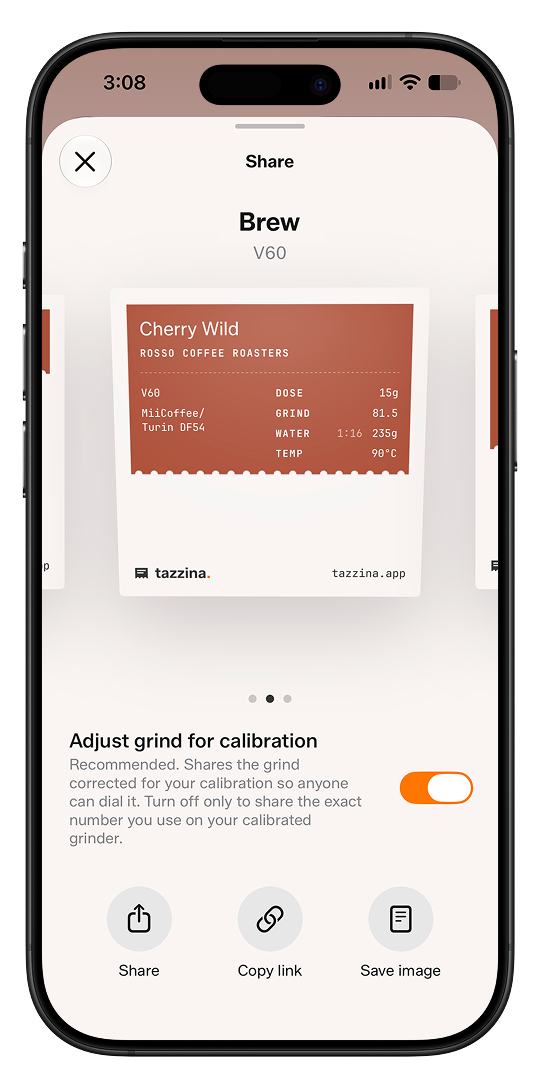
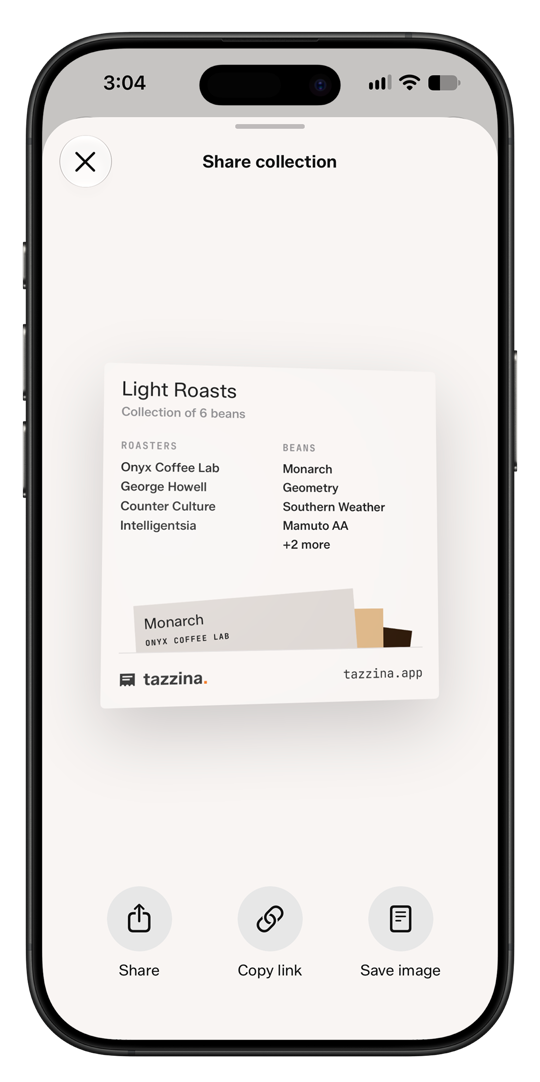
Send a bean, a brew, or a whole collection as a link, or save it as an image to post anywhere. Open a shared link in Tazzina and it saves with every setting intact, with the grind translated to your grinder. Shared collections stay live, so you always see the latest.
Frequently Asked Questions
Everything you need to know about saving your brews, dialing in, and getting great coffee with Tazzina.
What is Tazzina?
Which brewers does Tazzina support?
Can I save more than one brew for the same bean?
Can I share brews and collections?
How do dial-in suggestions work?
Is Tazzina free?
Which grinders does Tazzina support?
Does Tazzina have an Apple Watch app?
Does Tazzina track bean freshness?
Does Tazzina work offline?
Sync across devices
Log in once and your library follows you everywhere.
Privacy by default
Your personal data is never shared with advertisers or sold to data brokers.
No Ads
No banner ads, no pop-ups, no interruptions. Just you and your coffee.

Start with the bag on your shelf.
Tazzina is free on iPhone and iPad, with every feature included and no ads.
Download for iOS and iPadOS